 /SLASHPLAY
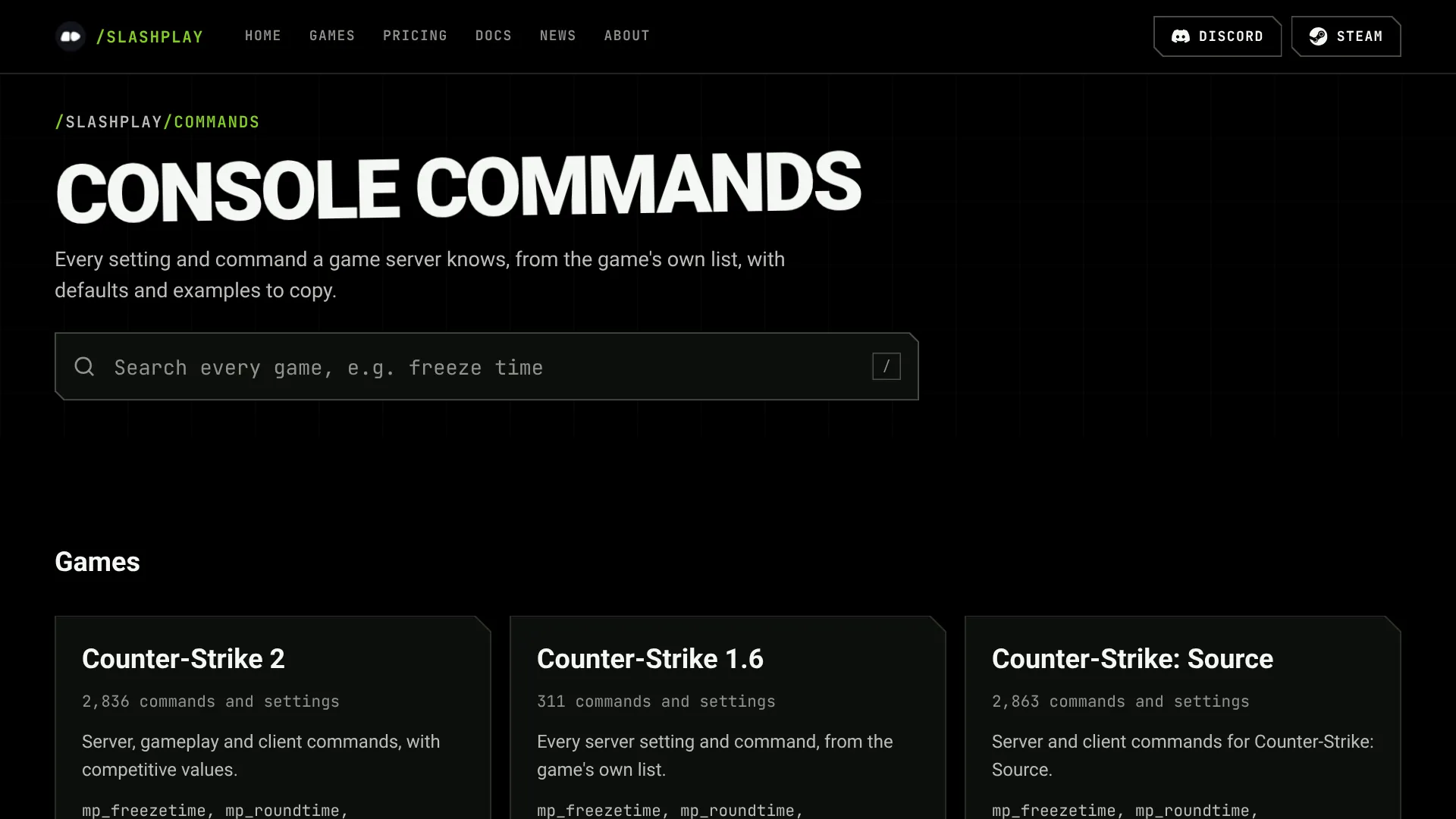
You know the setting you want. You just can’t remember whether it’s mp_freezetime or mp_freeze_time, what it starts at, or whether it needs sv_cheats. So you search, land on a forum thread from 2014, and hope it still applies.
We built the console command reference to fix that. It holds every command and setting for the nine games we host, taken from the games themselves. It’s free to use, with or without a SLASHPLAY account.
Nine games, straight from the game
Every list comes from the game itself, not from memory or an old wiki:
- CS2, Counter-Strike: Source and Team Fortress 2: the full command list from our own dedicated servers, plus the client list Valve publishes. Server defaults are read from a fresh server, so you see the value a new server really starts with.
- Counter-Strike 1.6, Garry’s Mod and Rust: dumped straight from their dedicated servers.
- Minecraft: the game’s own data generator, with every command, game rule and
server.propertiessetting. - Palworld and Valheim: the official server documentation.
Search the way you think
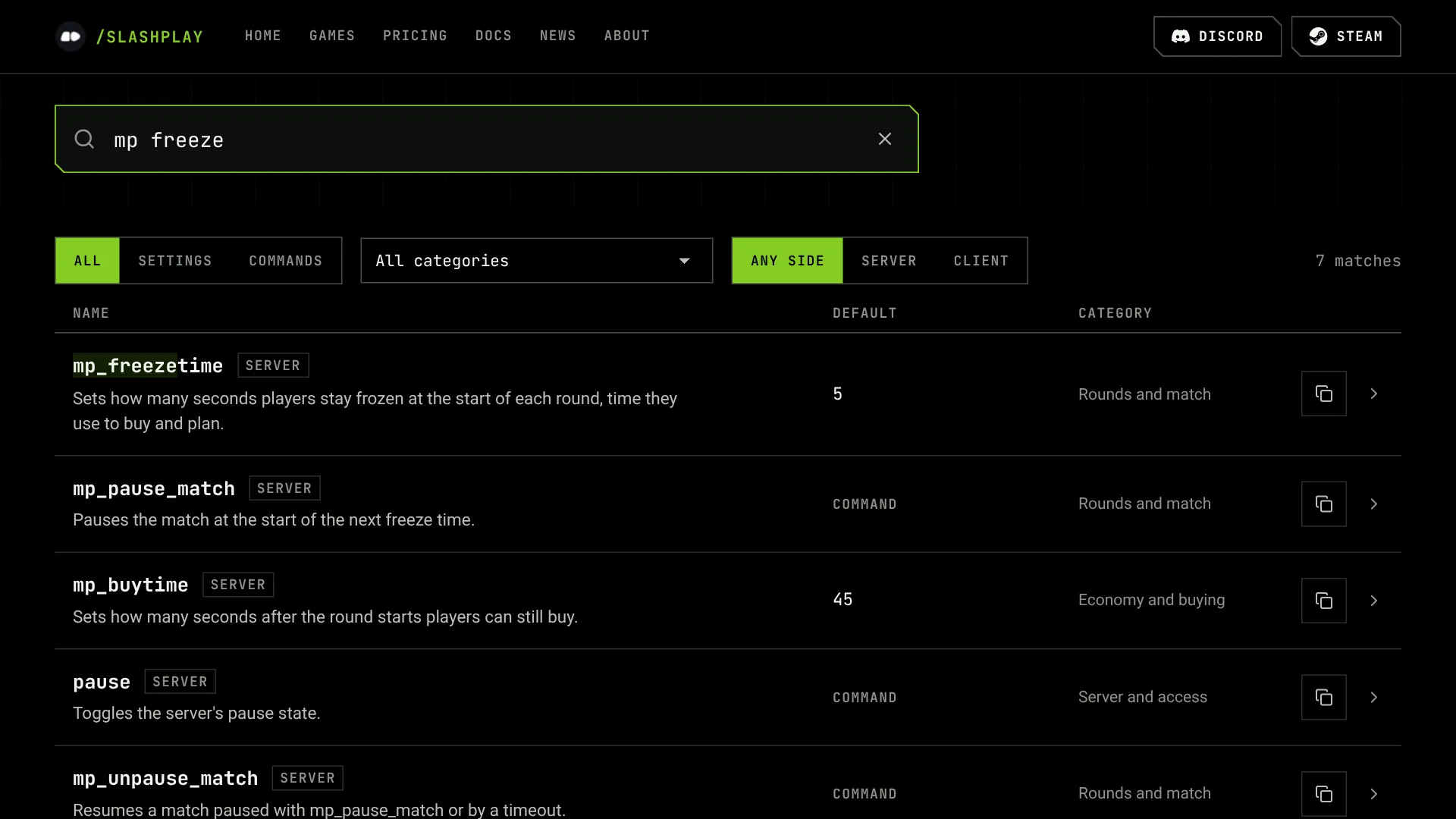
Type what you remember. “mp freeze” finds mp_freezetime, “crosshair size” finds cl_crosshairsize, and “keep inventory” finds Minecraft’s keep_inventory game rule. The search on the main page looks through every game at once. On a game’s own list it filters as you type.
The answer at the top
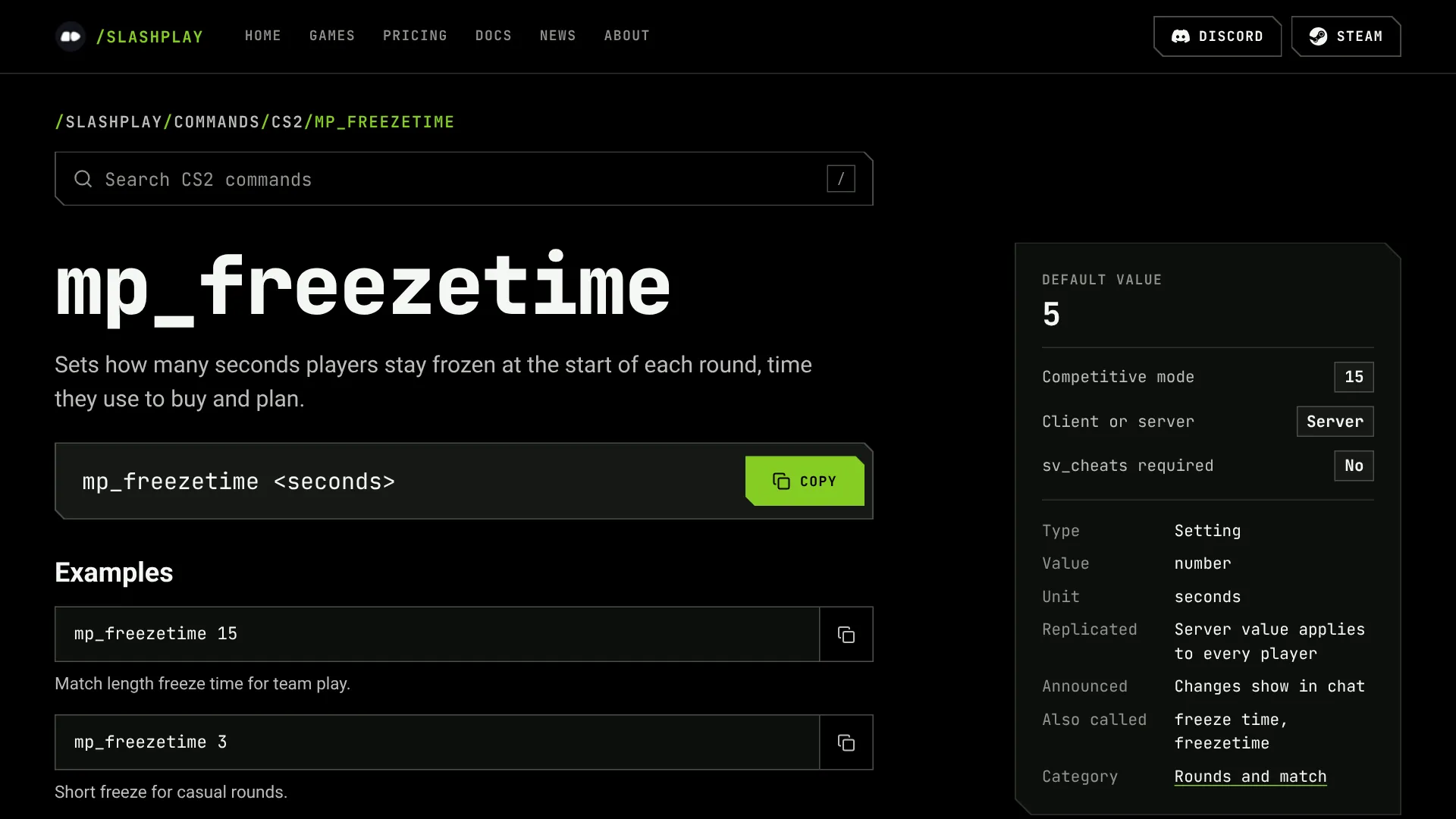
Open a command and what you came for comes first: the default value, the value CS2 uses in competitive mode, whether it’s a server or client command, and whether it needs sv_cheats. Below that are the line to copy, examples, and what the command actually does.
Server or client
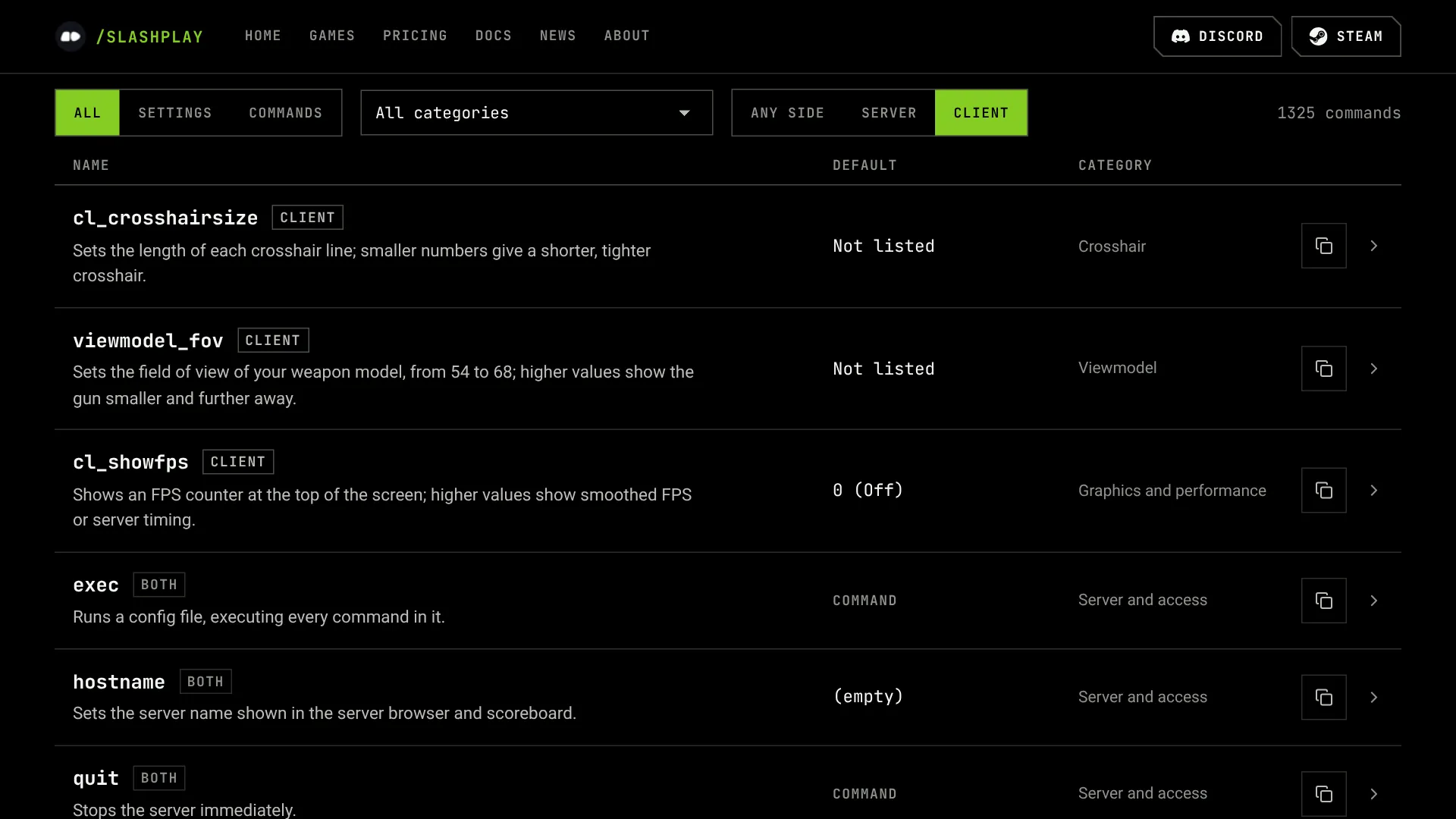
A server command changes the server for everyone, and you run it in the server console or over RCON. A client command changes your own game, like your crosshair or viewmodel, and you type it in your game console. Every row is marked, and the CS2, Counter-Strike: Source and TF2 lists can show one side at a time.
Right inside the docs
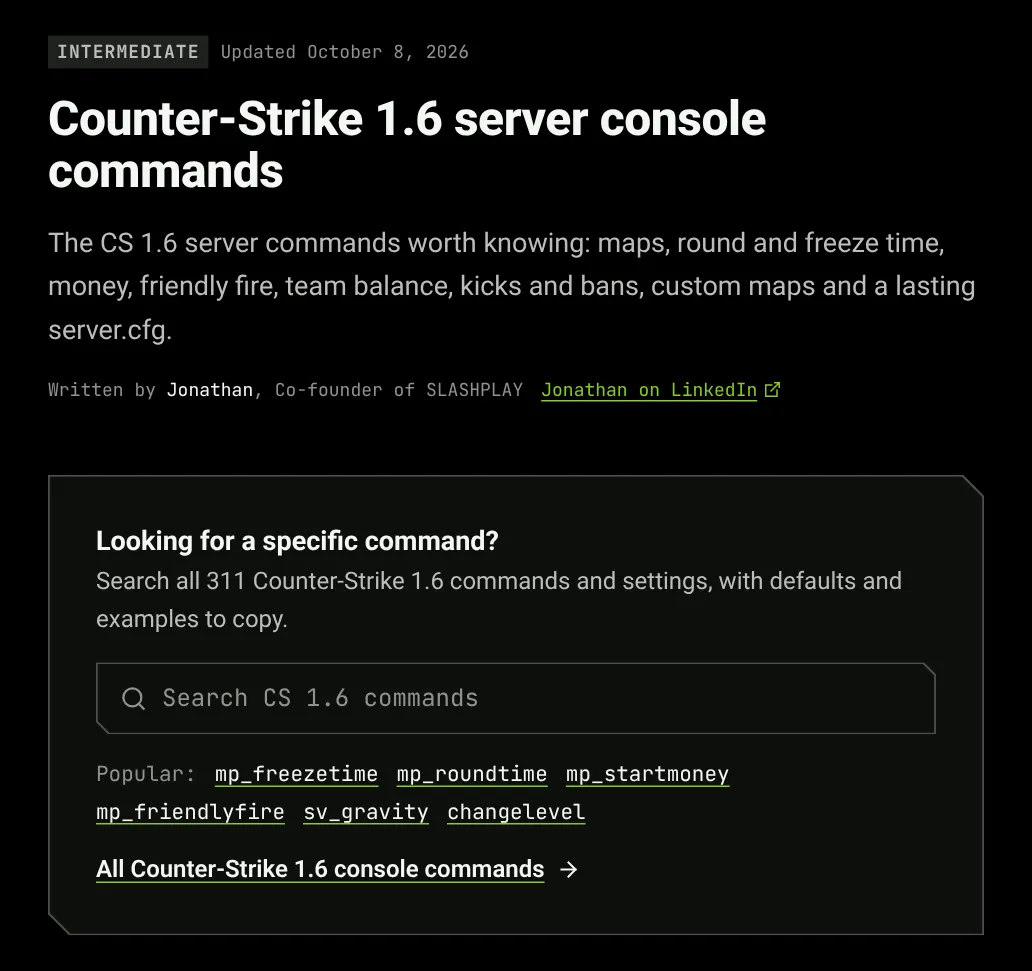
Our guides have the search built in now. On a page like Counter-Strike 1.6 console commands you can look up any command without leaving the guide, and every command a guide mentions links to its own page.
Run them on your server
On a SLASHPLAY server, paste any of these into the Console tab on the server page and you’ll see the server’s reply. The console explains how it works, and Start a CS2 server gets you a server to try them on.
Missing a command, or found a default that looks wrong? Tell us on Discord and we’ll fix it.